 PT
 EN
SIP trunk
How to configure a SIP trunk on a Yeastar PBX
On Yeastar the SIP trunk is the operator account on the system. Without a registered trunk, Fanvil extensions do not reach the outside. In Mozambique the line comes through Movitel, Vodacom or Tmcel.
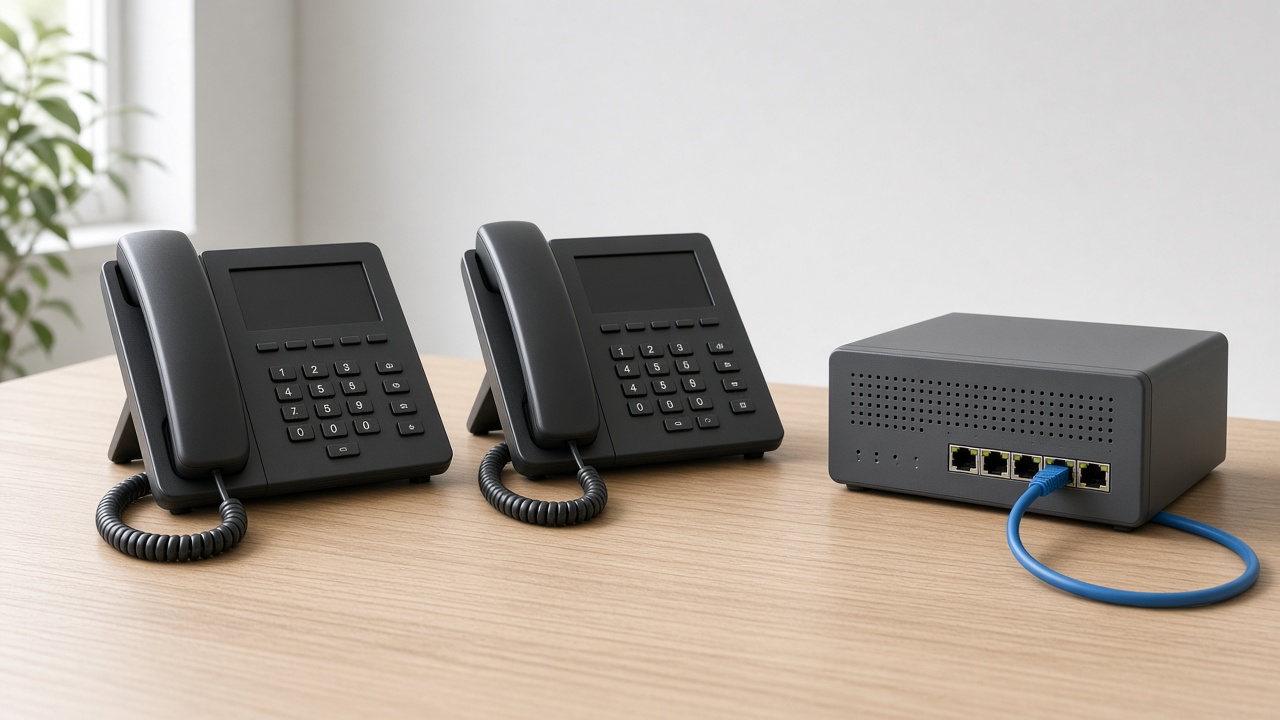
Configuring the SIP trunk on Yeastar is the same role as on Grandstream: putting the operator line on the system. The page is not the Grandstream page. The Movitel, Vodacom or Tmcel account can be the same; the place the trunk is saved is the Yeastar.
Palo Security supplies Yeastar systems and Fanvil phones. Trunk configuration is part of the quote when the request includes the system. The Grandstream article does not replace this one: each box has its own page.
What you need first
- The Yeastar in the office, with access to the configuration page on the site network.
- Stable internet to the system. Without that network, the trunk does not register with the operator.
- The SIP account details from the operator: server, username, password and the public numbers. Palo Security does not invent that account.
Steps on the Yeastar
- Open the Yeastar page in the office, with the system administration account.
- Create a new SIP trunk and fill in the server, username and password the operator delivered.
- Save and confirm the trunk is registered. If it did not register, the line is not on the system yet: check the details with the operator.
- Set where inbound calls go: extension, group or attendant.
- Set how extensions go outside, so the call goes through the trunk and does not stay between extensions only.
- Test one inbound call on the company number and one outbound call from an extension.
Yeastar is not Grandstream
Both serve as a PBX. Both accept a SIP trunk from the operator. Copying the fields from a Grandstream onto a Yeastar without looking at the Yeastar page leaves the trunk unregistered. If the office already has a Grandstream, the request is not “the same box with another name”.
What not to mix
- The trunk is not the Fanvil extension.
- Palo Security does not replace the operator. It connects the Yeastar to the line Movitel, Vodacom or Tmcel delivers.
- Cloud or on-site changes where the system sits; the trunk is still the line outside. That sits in the article cloud PBX vs on-site PBX.
When the line fails
Trunk not registered: details, internet or operator account. No inbound calls: inbound route. No outbound calls: outbound route. We do not invent the field list for the Yeastar version in this article: the model and firmware close on site.
What to say in the request
- Whether the system is already a Yeastar on site, or the request includes a new box.
- Whether the line is Movitel, Vodacom or Tmcel, and whether the SIP account details already exist.
- How many Fanvil extensions and whether Palo Security configures the trunk with the system.
We do not invent the operator account. The Yeastar, the phones and the trunk close together. Tell us the office and we prepare the quote.
Need this for the team?
Tell us the quantity and the site. We prepare the quote.
More articles
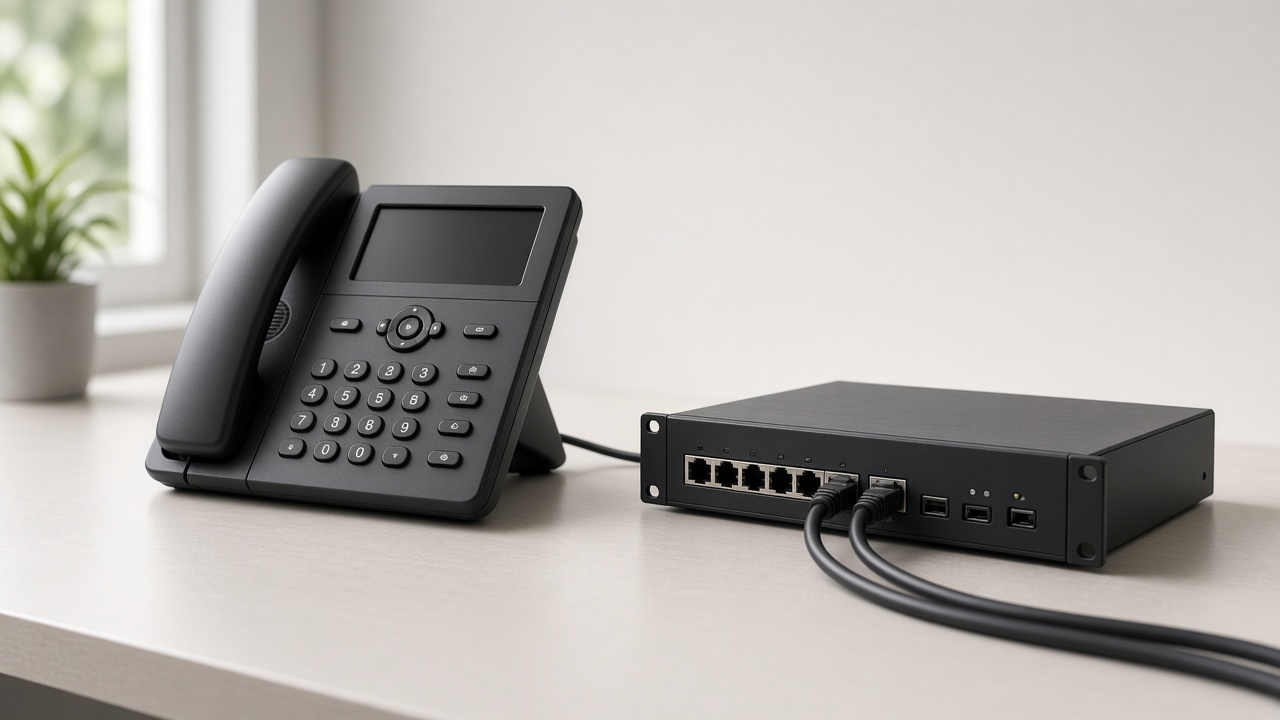 SIP trunk
How to configure a SIP trunk on a Grandstream PBX
On Grandstream the SIP trunk is the operator account on the system. Without a registered trunk, Fanvil extensions do not reach the outside. In Mozambique the line comes through Movitel, Vodacom or Tmcel.
 Network
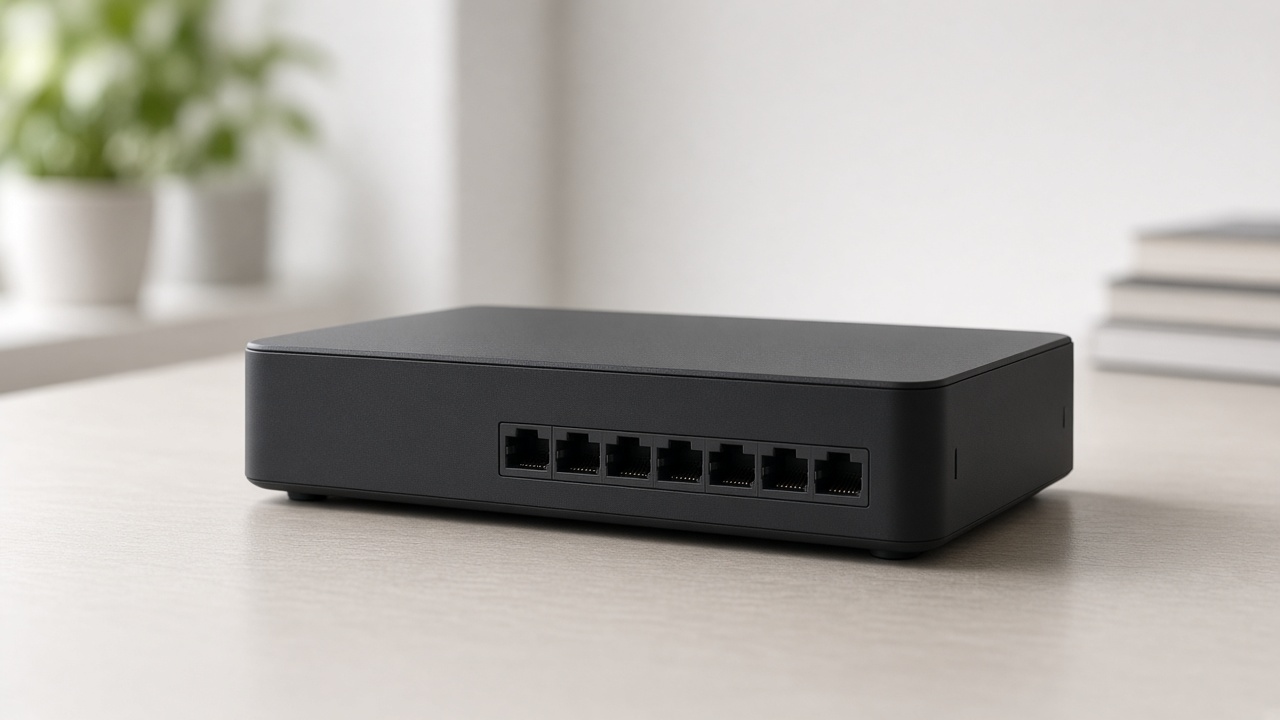
What is a router
A router links the office network to the internet and decides the path of the traffic. It is not the switch, it is not the access point and it is not the firewall.
 Network
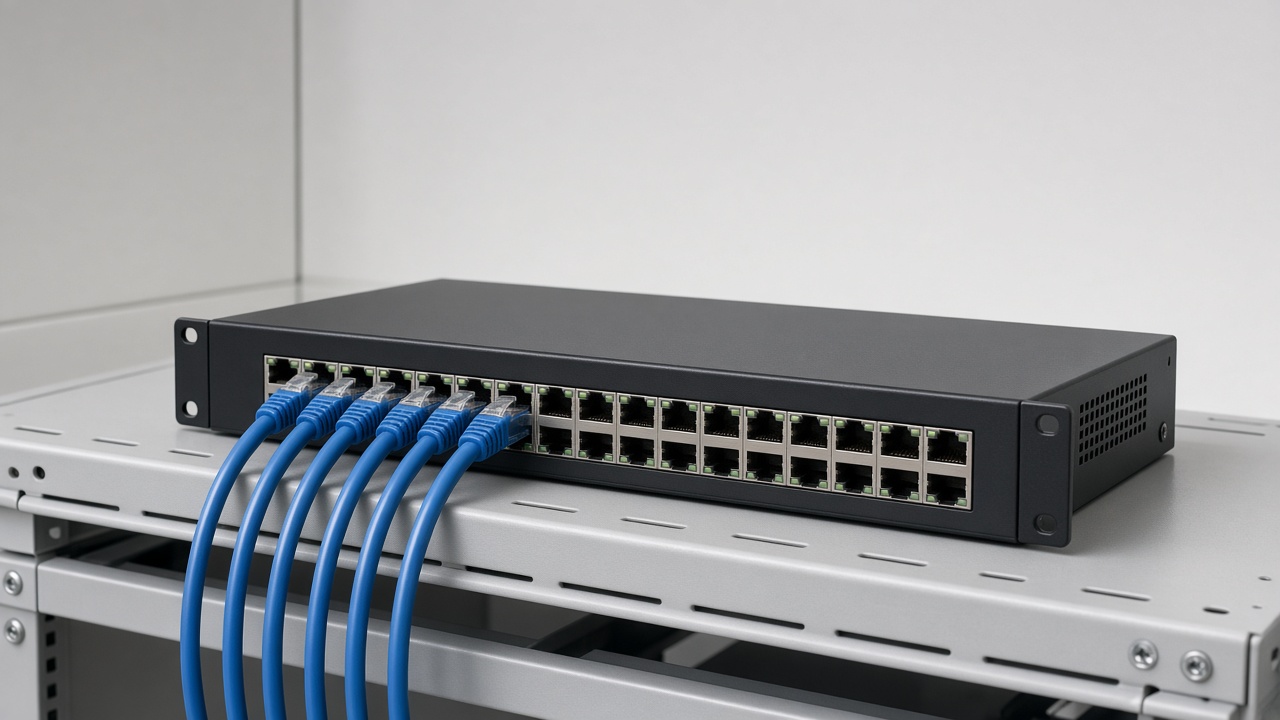
What is a switch
A switch links cameras, phones and desks on the cable, on the same site. It is not the router and it is not the access point. With PoE, the cable also powers the device.