 PT
 EN
Configure a Hytera radio with PoC Manager
PoC Manager reads the Hytera radio, stores the PoC account and the Wi-Fi network, and writes the configuration to the set.
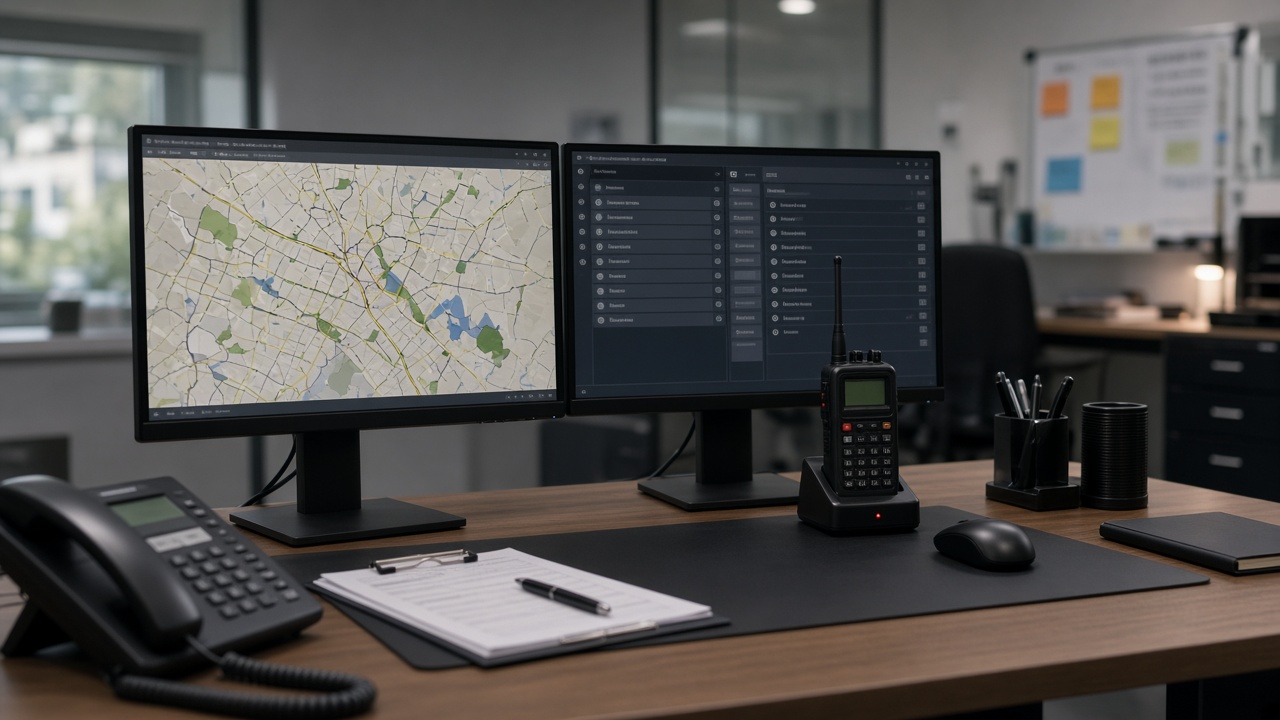
PoC Manager is Hytera’s program for reading and writing PoC radio configuration on a computer. It covers the service account, the company server and the Wi-Fi network — including Wi-Fi from a Starlink antenna.
Palo Security supplies Hytera radios and helps close this configuration. The exact screen depends on the PoC Manager version and the radio. The steps below follow the usual order in the program.
Before you open the program
- A Windows computer with PoC Manager installed.
- A Hytera PoC radio switched on, with battery.
- The radio USB cable.
- The company PoC account details (user and server), supplied with the service.
- The Wi-Fi name and password, if the radio will use Starlink or the site network.
Read the radio
- Turn the radio on and connect it to the computer with the USB cable.
- Open PoC Manager and sign in.
- In Programming, read the current configuration (Read). Wait until the program shows the radio data.
PoC account
In the PoC parameters, store the user, the account password and the company server (address or domain). Without these the radio will not join the group, even with Wi-Fi or a SIM. Account changes take effect after you sign in to the PoC client on the radio again.
Wi-Fi, including Starlink
In the WLAN list, add the network: name, password, security and priority. The higher priority is the network the radio tries first. For Starlink, use the Wi-Fi name of the Starlink router on site. After writing, turn WLAN back on on the radio, or restart the radio, so the new network takes effect.
Write to the radio
- Apply the configuration and write it to the radio while it is still on USB.
- Unplug the cable. Confirm on the radio that data is up and that PTT opens the group.
- For the next radio of the same type you can write again. If you program different accounts, turn on PoC account auto increment so the same user is not repeated.
Call groups live in the PoC service, not only on the radio. If PTT does not open the group, confirm the account and the server before changing Wi-Fi again.
Palo Security can program the Hytera radios in the request. Tell us the quantity, whether the site has Starlink, and whether the PoC account already exists.
Need this for the team?
Tell us the quantity and the site. We prepare the quote.
More articles
 Cameras
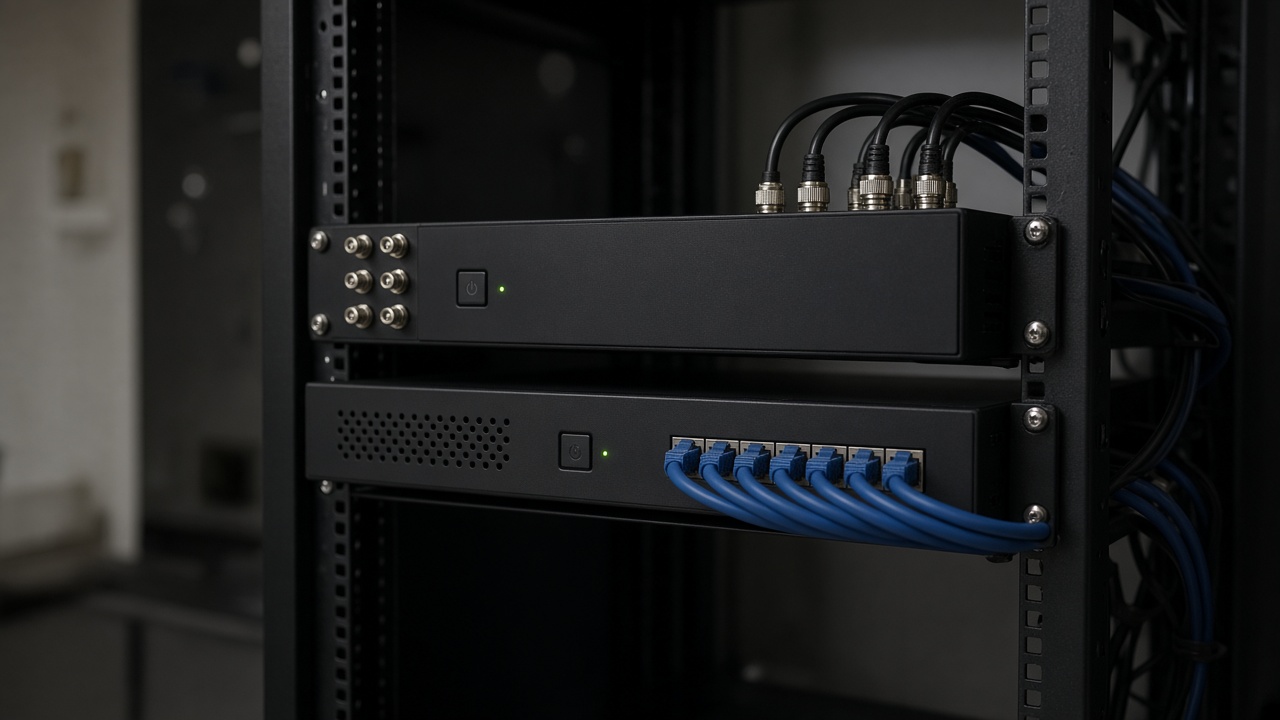
Difference between DVR and NVR
A DVR stores the cameras wired to the unit. An NVR records IP cameras on the site network. They are two recorders, not the same box under another name.
 Cameras
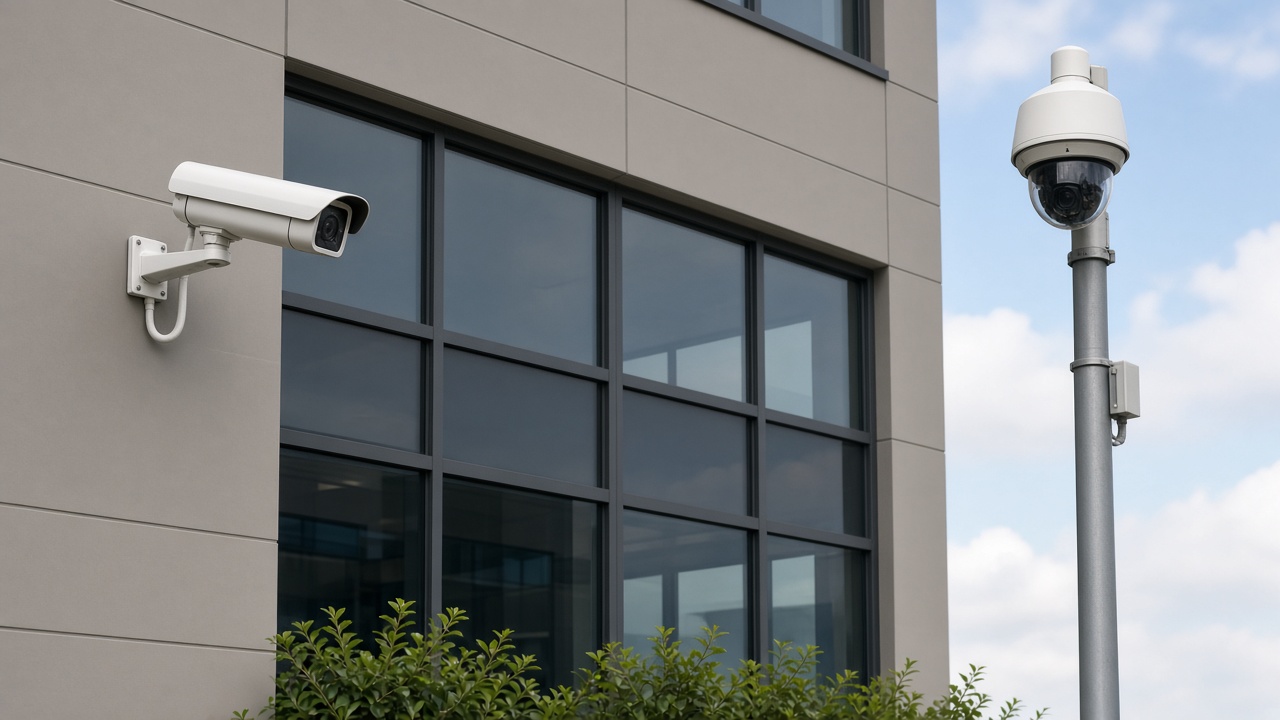
Fixed camera vs PTZ
A fixed camera covers one view: the door, the corridor, the gate. A PTZ pans and zooms across a wide area. One does not replace the other across the whole site.
 Perimeter
Thermal camera on the perimeter
A thermal camera sees heat when the light does not reach. It does not replace the camera that needs to identify a face in colour. On the perimeter the two roles are different.